Hi there.
A few months ago, I started to mainly use “cockpit” for managing my virtual machines rather than “Virtual Machine Manager”. But after switching, I noticed that the console was not accessible through the WebUI. I only had the option to connect with a remote viewer, which didn’t work too reliably.
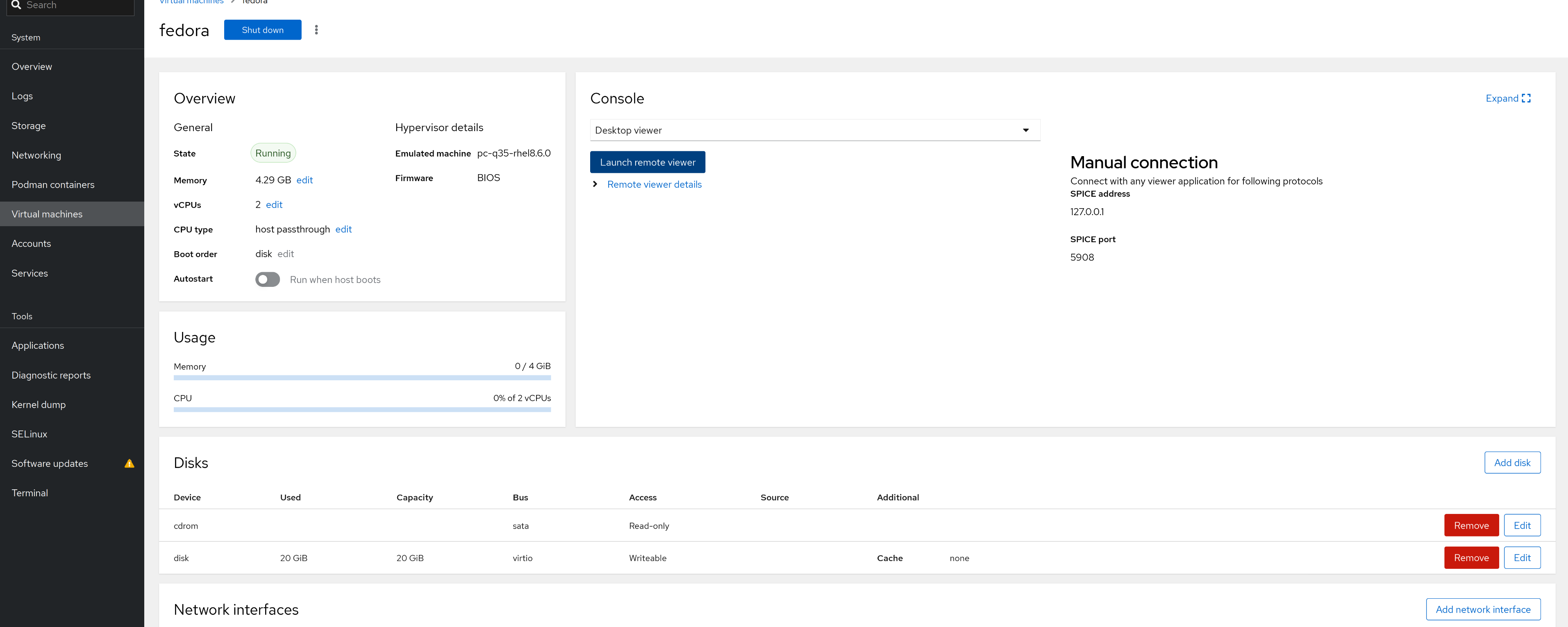
This only affected the VMs that were already created.
So, here is how to solve this.
Edit the VM configuration
We need to edit the XML configuration. To do this, use the “virsh edit” command, do not edit it directly.
Just add the following lines to the “graphics” section.
KVM :: ~ » sudo virsh edit virtual-machine
...
    <graphics type='vnc' port='-1' autoport='yes' listen='127.0.0.1'>
      <listen type='address' address='127.0.0.1'/>
    </graphics>
...
It should look similar to this. This is just to give an idea of the formatting. Only the marked lines are relevant.
    <input type='mouse' bus='ps2'/>
    <input type='keyboard' bus='ps2'/>
    <graphics type='vnc' port='-1' autoport='yes' listen='127.0.0.1'>
      <listen type='address' address='127.0.0.1'/>
    </graphics>
    <graphics type='spice' autoport='yes' listen='0.0.0.0'>
      <listen type='address' address='0.0.0.0'/>
    </graphics>
    <sound model='ich9'>
      <address type='pci' domain='0x0000' bus='0x00' slot='0x1b' function='0x0'/>
    </sound>
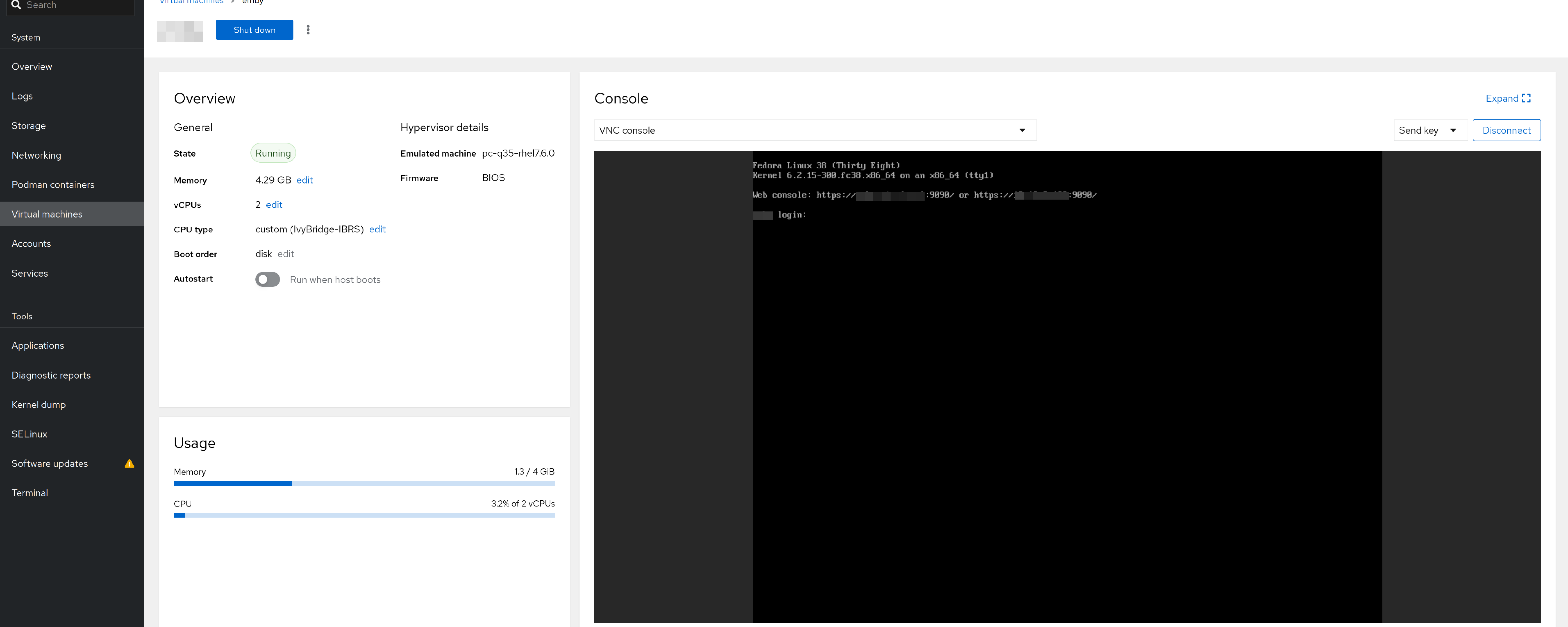
That’s it. Now you should be able to access the console through the WebUI.
Till next time.
Kommentare